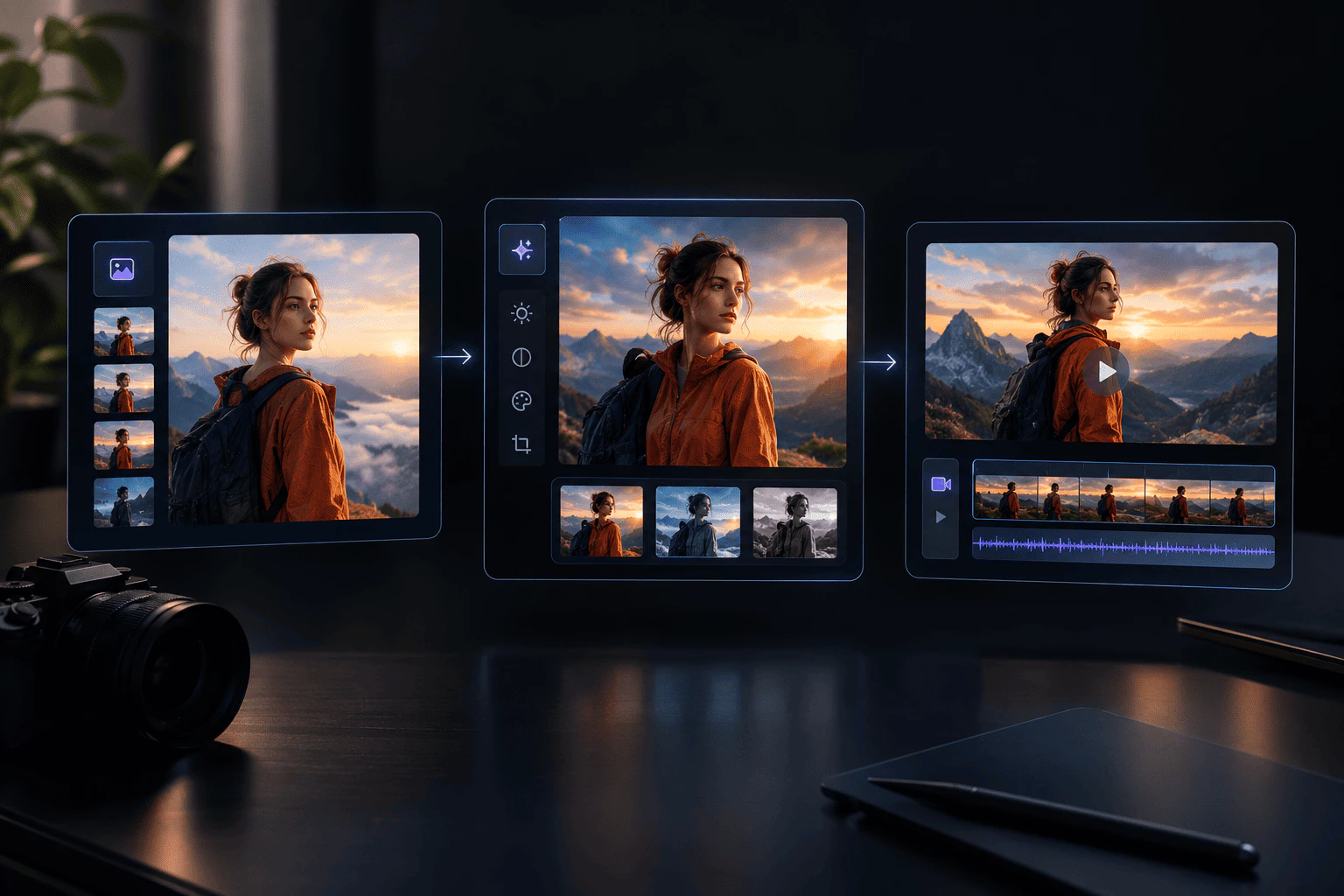
One Connected Workspace
One hub links your ai image generator, photo tweaks, and video ideas in a single flow. You grow one concept from first prompt to final asset instead of restarting in new apps.
 Panos AI
Start with an idea·Create the visual·Turn it into content
Reference Image
Prompt
Model
Aspect Ratio
Overview
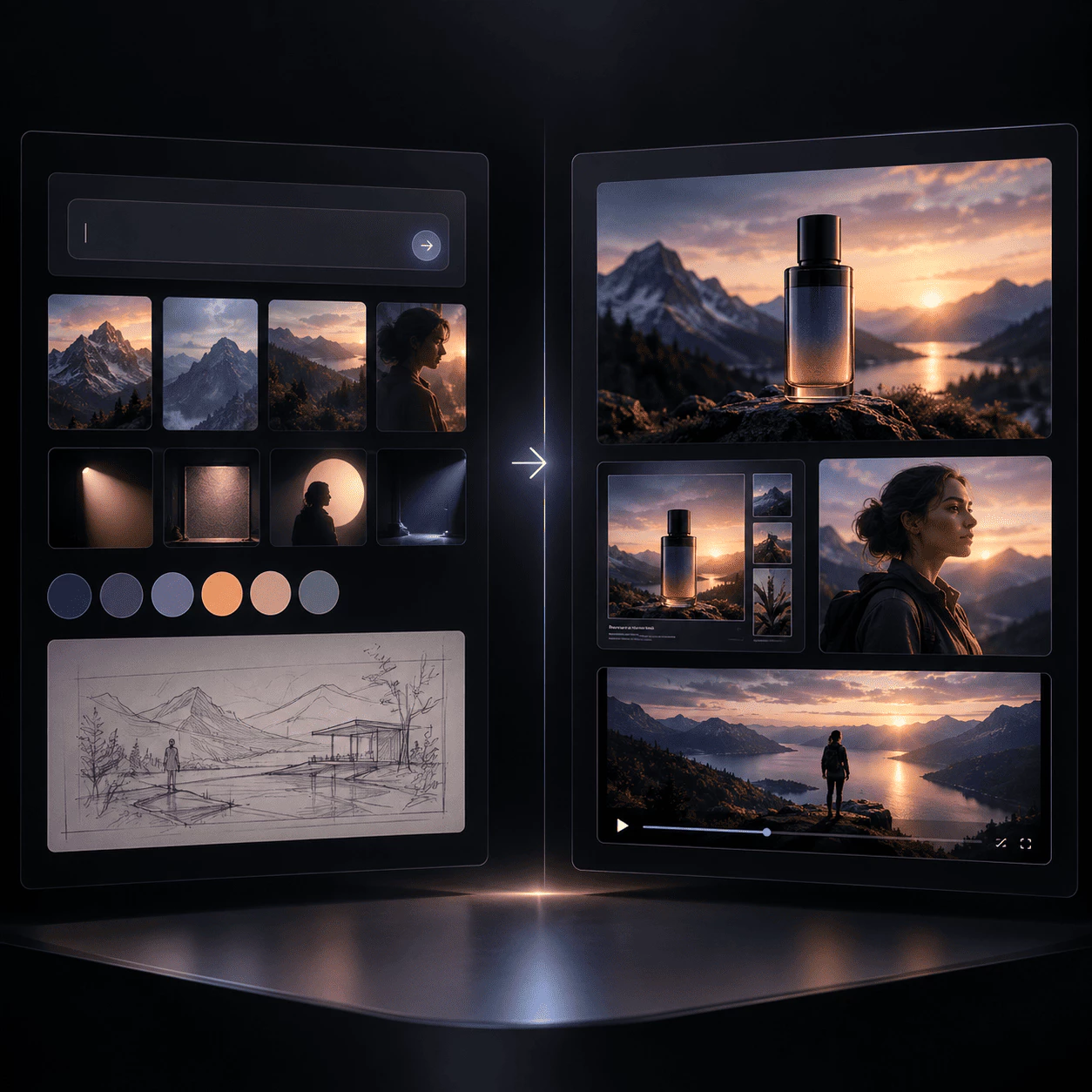
Built for anyone who wants ideas to show up as real pictures without hopping between apps. The ai image generator sits at the heart: tell it the scene, style, and feeling you want, then shape visuals for products, ads, characters, and brand stories in one linked flow.
Write what you have in mind—person, place, light, or vibe. The built-in ai image generator reads your words and outputs a clear image you can use or tweak.
Got a photo that is almost there? Upload it, describe the change in everyday language, and use the ai image generator to adjust style and details without heavy editing tools.
When a still from the ai image generator looks good, push the same idea forward. Explore short video clips for social feeds, promos, and launches from one creative thread.
Creators, marketers, and teams choose this workspace—and its ai image generator—when they need strong visuals without juggling many tools:
One hub links your ai image generator, photo tweaks, and video ideas in a single flow. You grow one concept from first prompt to final asset instead of restarting in new apps.
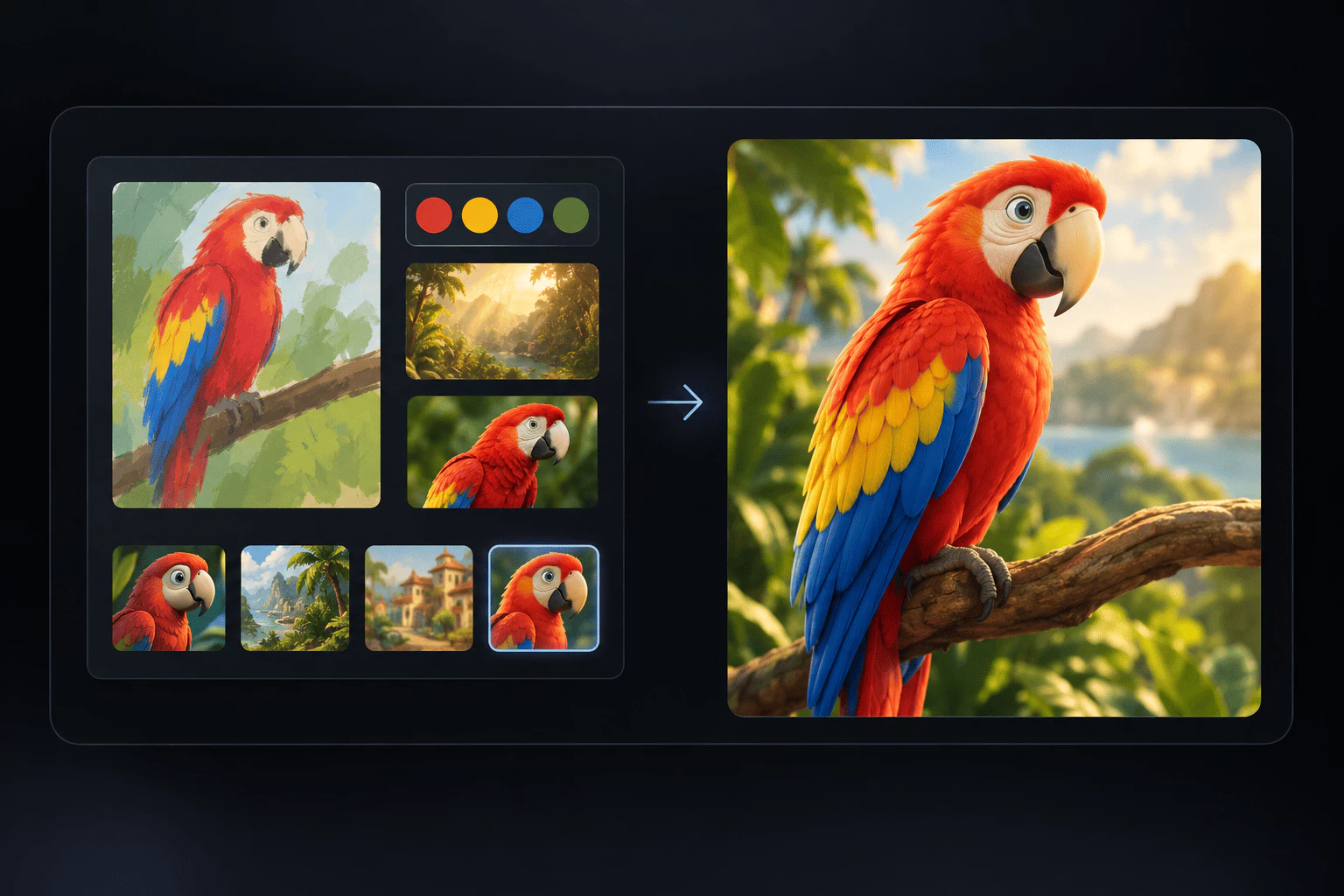
Describe what you see in your head—subject, color, lighting, or brand feel. The ai image generator follows everyday language so you can create, fix, and remix with less guesswork.
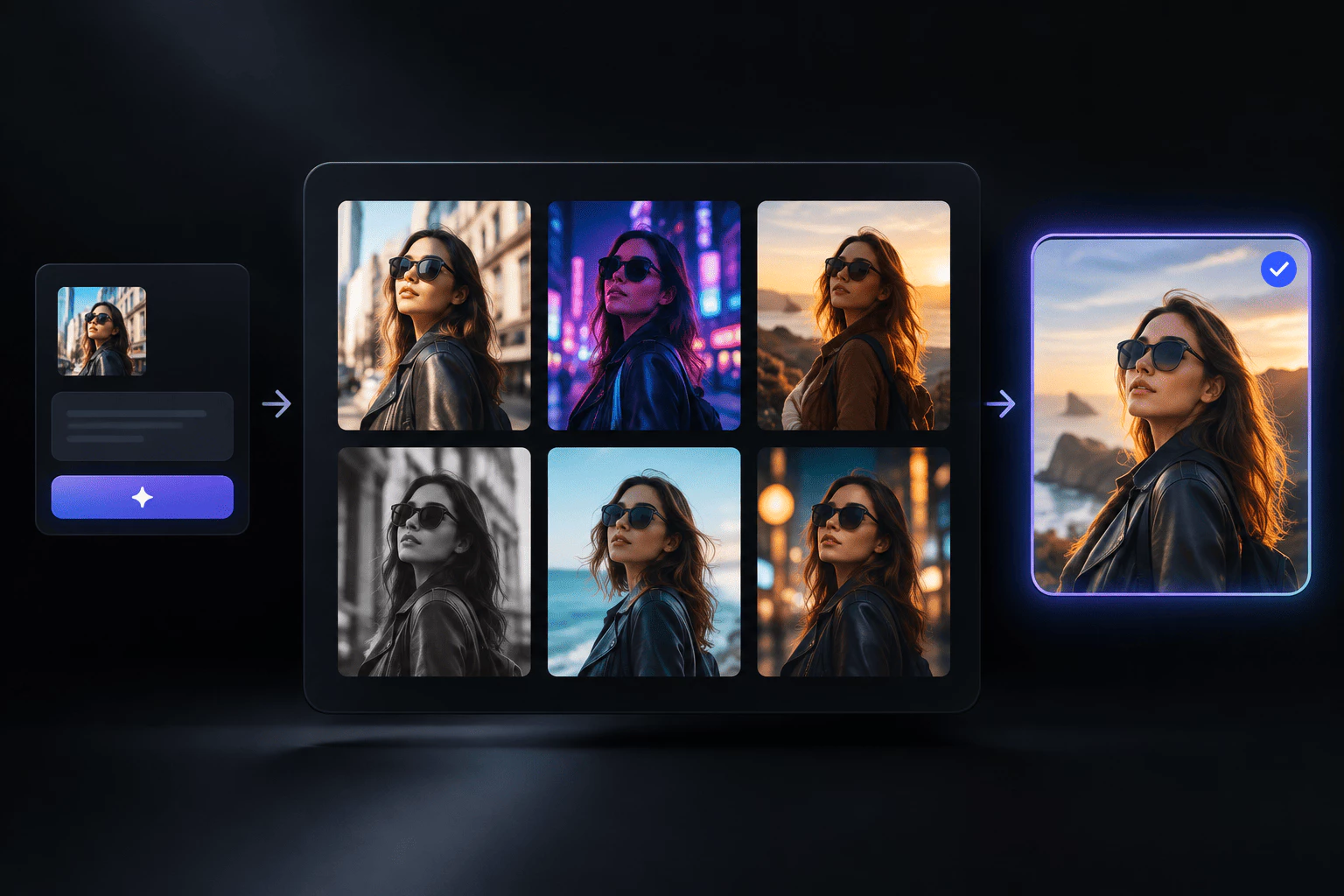
Catch inspiration while it is hot. Run quick rounds with the ai image generator, compare styles, fine-tune your prompt, and land on an image you are ready to publish.
Tools that run your ai image generator and wider visual workflow:
Share a short brief—a product frame, portrait, thumbnail, or concept sketch in words. The ai image generator turns it into a clean image. Add hints about scene, style, light, or mood to narrow the look. Use it to try ideas fast or ship assets for real projects without redrawing from zero each time.
Have a picture that is nearly there? Upload it and say what should shift—background, color, outfit, or small fixes. The ai image generator can suggest variations while you guide the edit like a creative note, not a manual tool. Beginners get simple steps; pros get quick passes while ideas are still fresh.
Begin with text or a still from the ai image generator you already made. Describe movement, pacing, and tone—or add a reference frame—and draft short video for feeds, ads, or demos. When a flat visual needs more punch, you can stretch the same concept into motion without leaving the workspace.
Shape each output with everyday instructions. Mention camera angle, backdrop, texture, palette, or brand cues so the ai image generator stays closer to your goal. Clear prompts mean faster trials and smoother upgrades instead of rebuilding every asset.
Pull ai image generator outputs and clips in sizes that fit social, storefronts, decks, and landing pages. Your exports go straight to publish or team review—whether you are posting today, refreshing a product page, or sharing a campaign mock-up.
Everything runs online—nothing to install. Open the ai image generator on desktop, tablet, or phone and keep the same flow. Start a concept on one device, refine it on another, and stay aligned without lost files or broken steps.
A quick path to your first image or clip with our ai image generator:
Sign in and pick what you need today—the ai image generator for new images from text, edits on a photo, or a short video idea tied to your concept.
Describe the scene, style, and mood in plain words, or add a photo as your starting frame. The ai image generator listens to simple language.
Run the ai image generator, review, and nudge your prompt until the visual fits. Save and share when you are happy with the result.
One workspace wraps an ai image generator, photo tweaks, and video drafts into an easy daily flow.
20+
Content Types
Seconds
Fast Turnaround
97%
Made for Daily Use
Make product photos, faces, feed graphics, launch art, and short clips with one ai image generator hub and connected video drafts.
Move from a quick prompt to a usable image with the ai image generator in seconds—not a long wait.
Creators, marketers, and teams rely on the ai image generator for visuals they ship every week.
Short answers about Panos AI and our ai image generator — contact us anytime if you need more help.
Panos AI is a creative workspace for people who need fresh visuals often. You get an ai image generator at the center, plus tools to edit photos and draft videos in the same place. One login, one flow—from first prompt to something you can publish.
It keeps your work in one spot so ideas do not get lost between apps. Test looks fast with the ai image generator, tweak with simple prompts, and stretch a strong still into video when you need more punch. Panos AI helps you ship posts, product shots, and campaign art with less delay.
Sign up, pick image creation, photo edits, or video, then type a prompt or upload a file. You do not need design training—plain words are enough. Run the ai image generator, check the result, adjust your prompt, and repeat until the visual matches what you wanted.
Panos AI fits creators, marketers, shop owners, designers, and founders who publish visuals weekly. Thumbnails, feeds, product pages, launch graphics, and short clips can all start in the ai image generator without a long setup.
Many apps do only images, only edits, or only video. Panos AI links all three so one idea can grow. Write a prompt for a new picture, fix an upload, or move a finished still toward motion—without exporting files to another service.
Yes. Add style, mood, light, backdrop, angle, or brand notes in your prompt. The ai image generator in Panos AI follows clear language, so specific directions usually land closer to your vision. Try a few versions and keep the one that fits.